


Eden Apollo · for Mac
A browser with Eden built in
Ask Eden about any page, block ads and trackers on every site, and browse in Eclipse tabs that keep no history.
Free · macOS 14 or later · Apple silicon and Intel · Notarized by Apple
Ask Eden
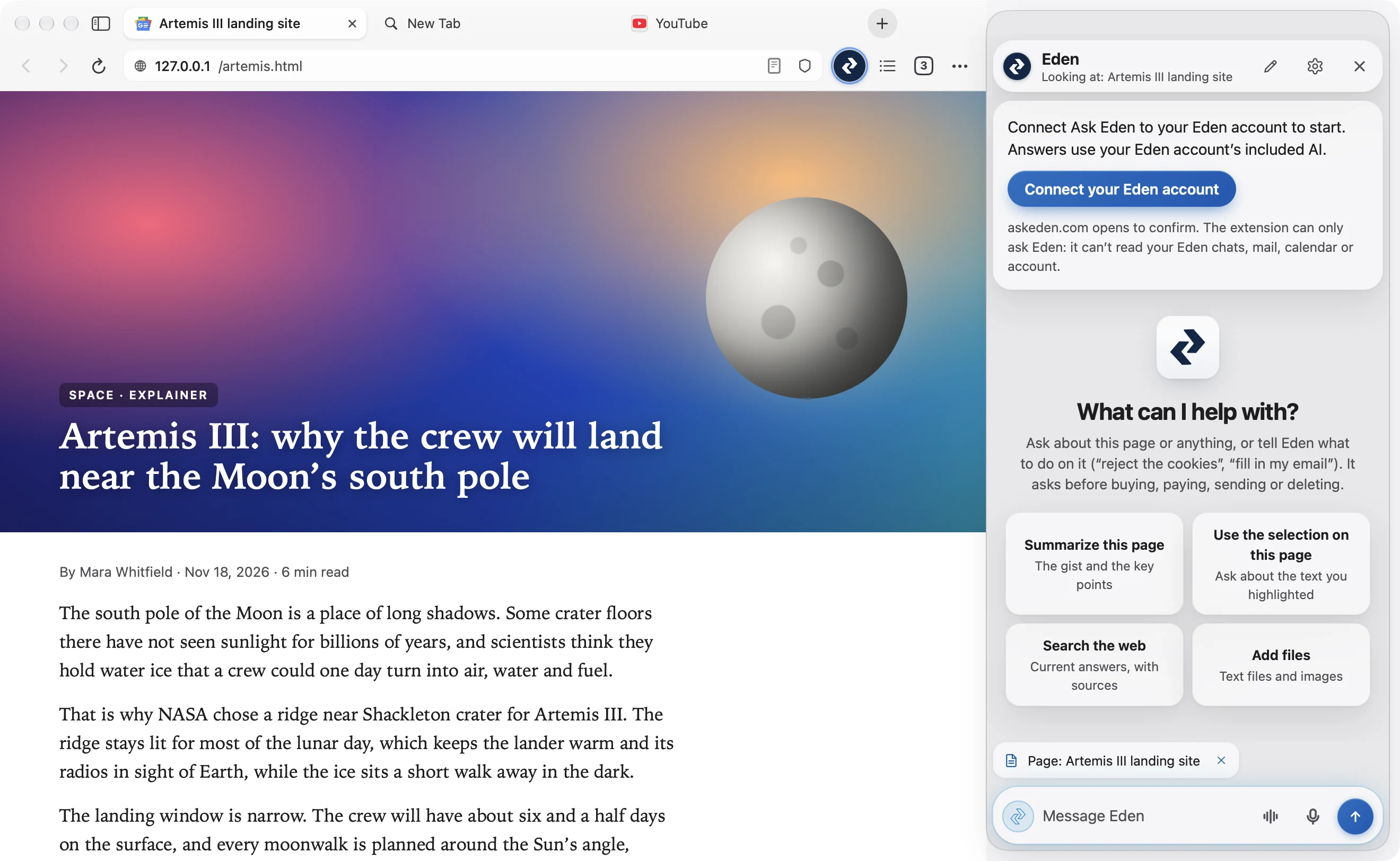
Ask without leaving the page
Click the Eden circle in the bar. Summarize the page, explain the passage you selected, rewrite what you’re typing, search the web, or tell Eden what to do on the page.
Needs an Eden account. Eden asks before it buys, pays, sends or deletes anything.
Blocking
Ads and trackers, gone from the start
Blocking is on from the first page, with lists built into the app and never fetched in the background. Tracking tags like fbclid and gclid come off the links you open.
A site that needs its ads: ⋯ › Allow Ads on This Site.
Eclipse
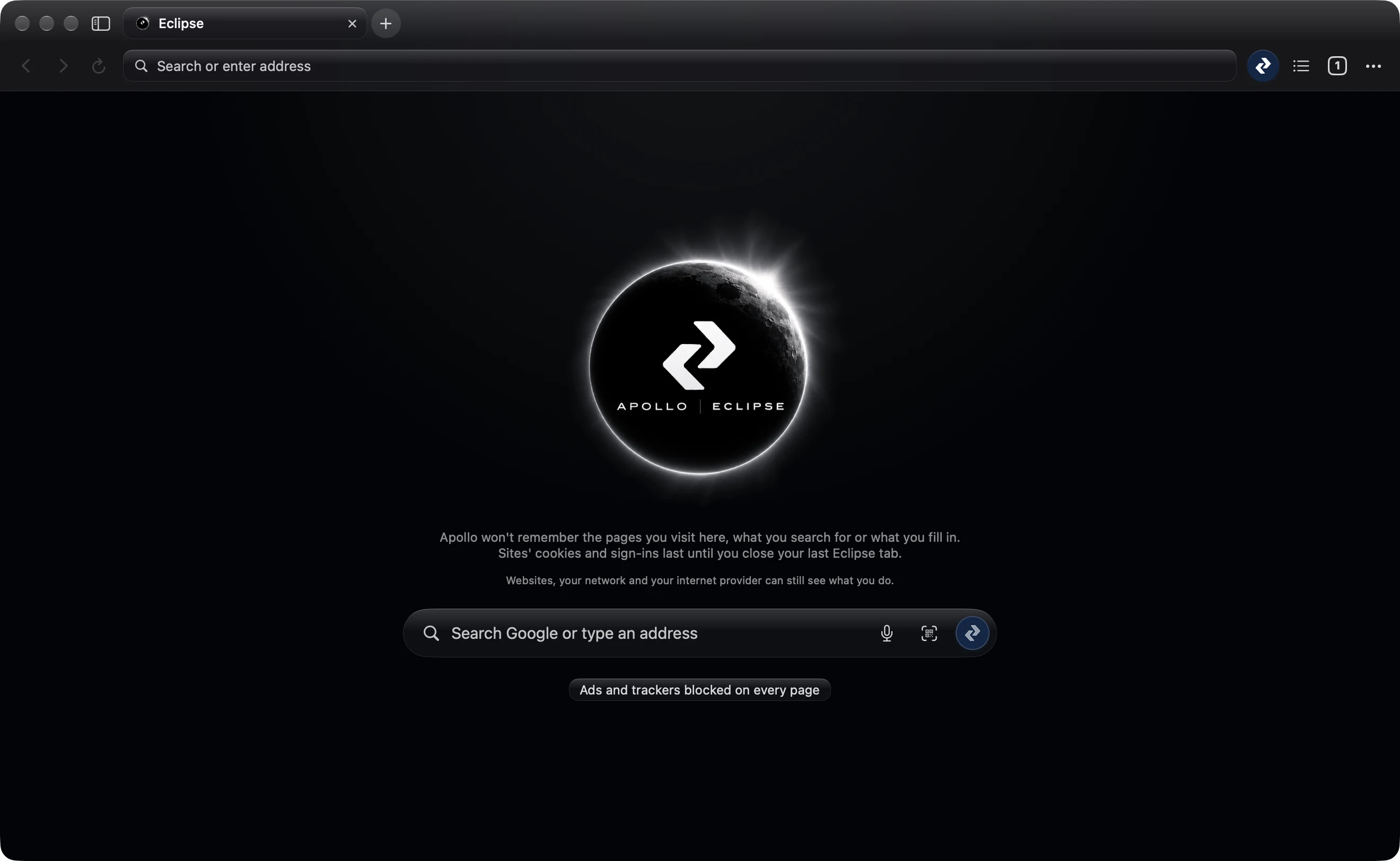
Private tabs that keep nothing
Apollo doesn’t remember the pages you visit in Eclipse, what you search for or what you fill in. Sites’ cookies and sign-ins last until you close your last Eclipse tab.
Websites, your network and your internet provider can still see what you do.
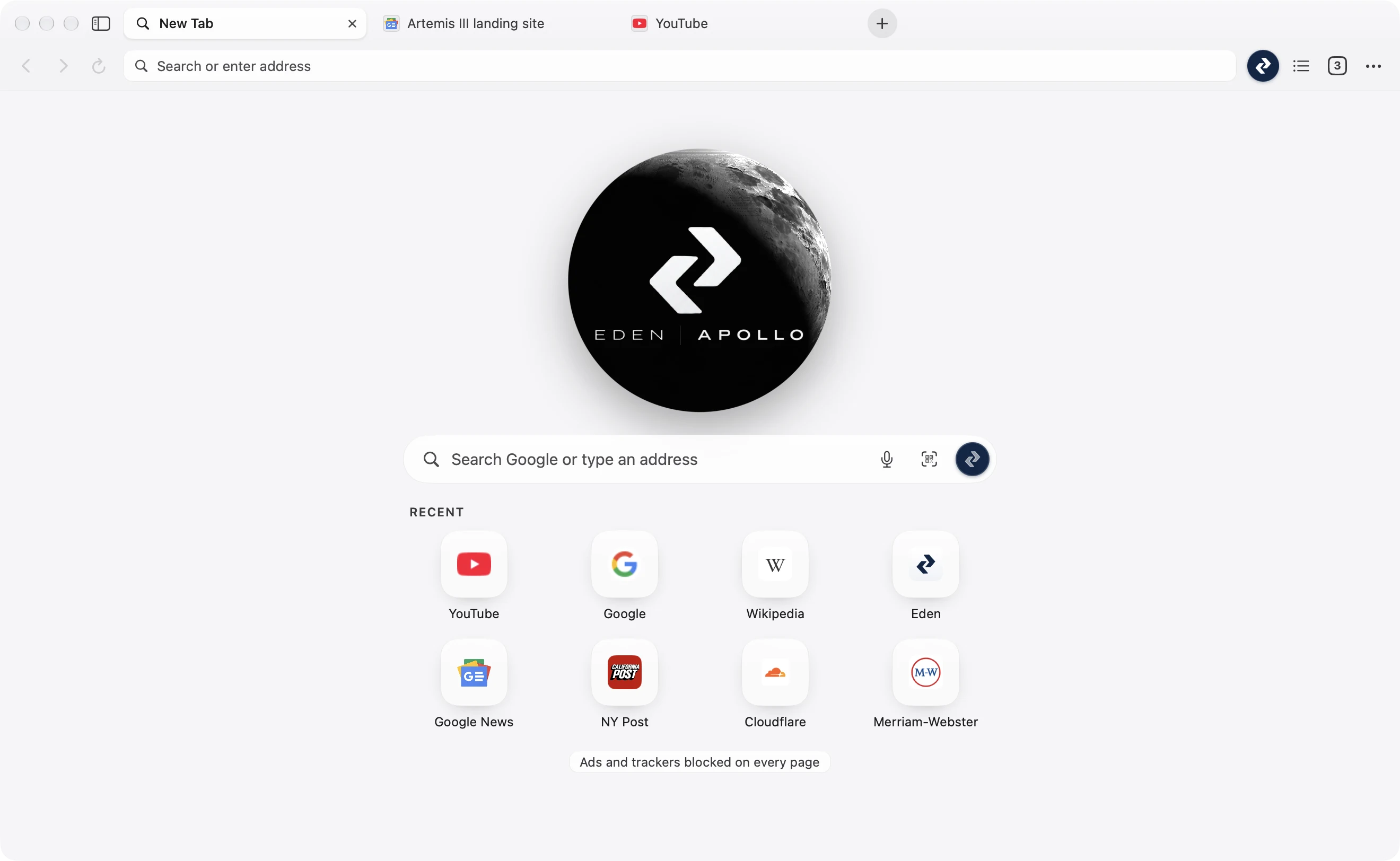
The page you’re reading, with Eden one click away.
What’s inside
Everything here works on a Mac today.
| Feature | What it does |
|---|---|
| Ask Eden | Summarize, explain, rewrite or act on the page you’re on |
| Ad and tracker blocking | On for every page, Eclipse too |
| Eclipse | Private tabs with no history, gone with the last one |
| Reader | The article alone, light, sepia or dark |
| Reading List | Pages saved for later, read and unread |
| Tabs and tab groups | Pinned tabs; groups with a name and a colour |
| Downloads | Progress in the bar; Open or Show in Finder |
| Import | Bookmarks and history from Chrome, Edge, Firefox or Safari |
Get Eden Apollo for Mac
Free. For macOS 14 or later, on Apple silicon or Intel. Notarized by Apple.